

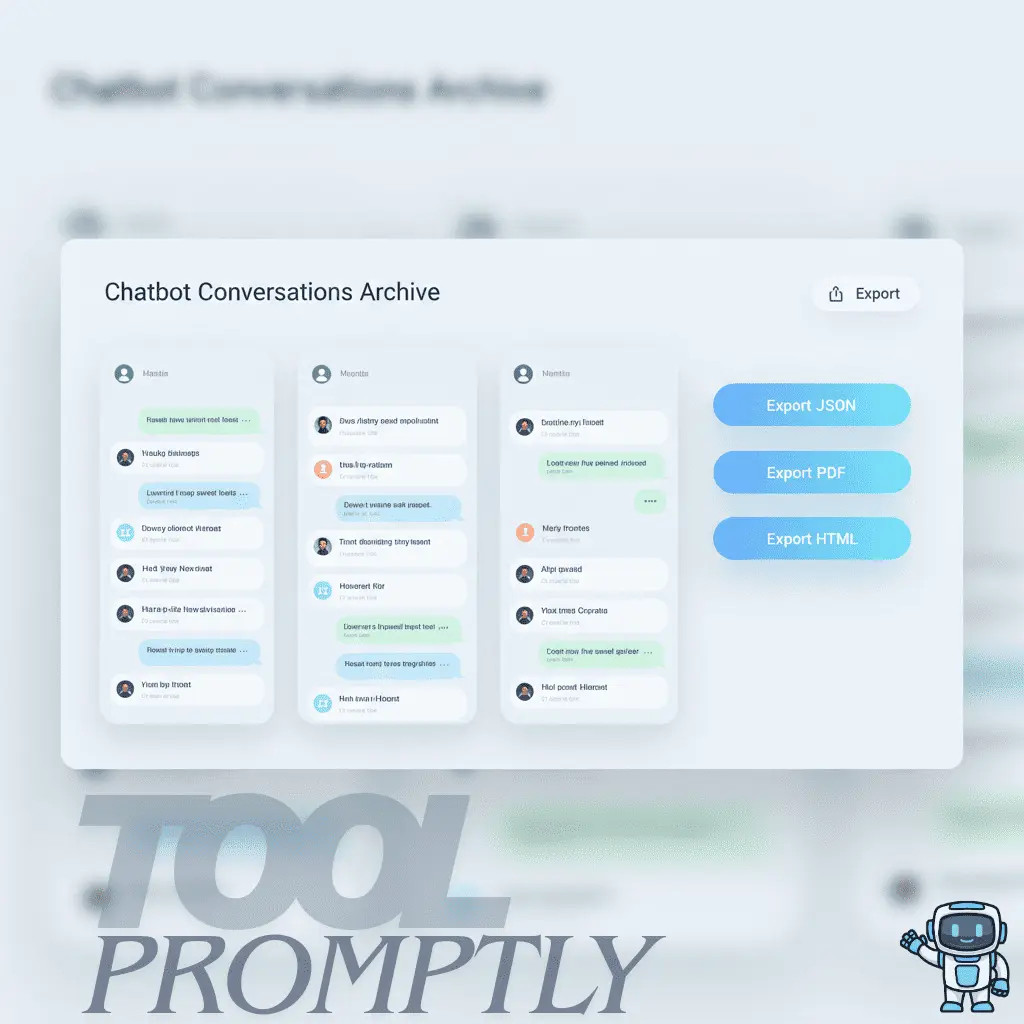
AI chatbot conversations archives let you turn one-off chats into a searchable knowledge base, protect your best work, and reliably back up everything you create with AI.
This full guide walks you through what an archive is, how to save, organize, and export chats across tools, and how to turn your history into a real productivity asset.
Table of Contents
What Is an AI Chatbot Conversations Archive?
An AI chatbot conversations archive is a system that stores your past AI chats in a structured, retrievable way instead of leaving them as random, scrolling history.
A rich archive usually includes the full text of conversations plus metadata like timestamps, sources, and sometimes user or project identifiers to make search and reuse easier.
For most users, this archive can live in several places:
- Built‑in chat history and “archived chats” inside tools like ChatGPT or Claude.
- Exported data files (JSON, HTML, PDF, Markdown, CSV) stored in cloud or local folders.
- A personal knowledge base in Notion, Obsidian, or other PKM tools where chats are converted into notes, templates, and documentation.
The key mindset shift: your chat history is not just text; it’s prompts, frameworks, drafts, and solutions you may want to reuse for years.
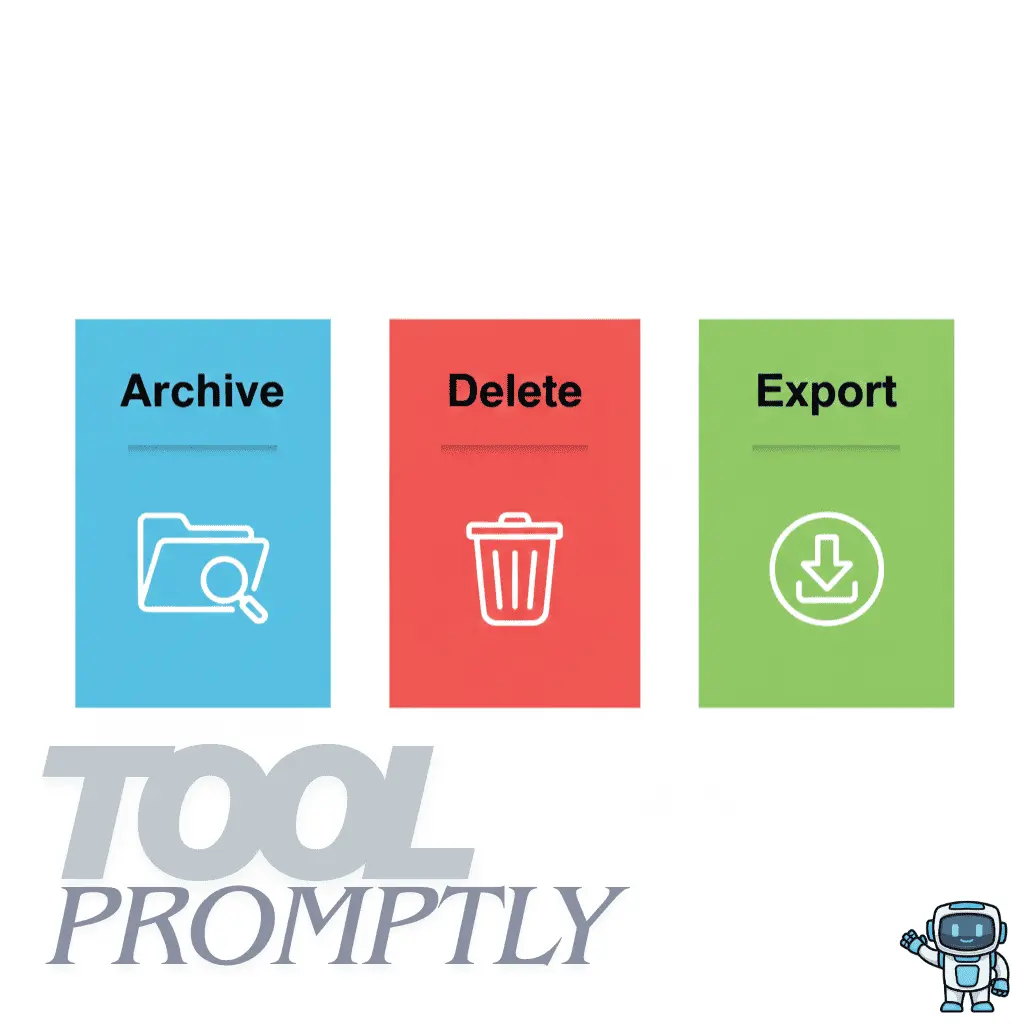
Archive vs Delete vs Export (And Why It Matters)
Not every button that “removes” a chat does the same thing, and confusing these options is how people lose their best work.
Archive: Hide but Keep
Archiving usually means the conversation leaves your main list but stays stored somewhere in your account.
- Keeps the full conversation intact and recoverable.
- Reduces clutter in your active chat list.
- Often reversible via an “Archived” filter or section.
- Ideal for keeping important chats without seeing them every day.
Delete: Remove Completely
Deleting is generally permanent and removes the conversation from your visible history, and often from the provider’s systems after a retention period.
- Useful for privacy cleanup (sensitive data, one‑off experiments).
- Risky if you delete a chat that contains prompts, code, or workflows you will need later.
- In most consumer tools, deleted chats can’t be recovered by regular users.
Export: Download a Copy
Exporting creates an offline copy of your chats that lives outside the AI platform.
- Common formats: JSON (full structure), HTML (readable), PDF, Markdown, CSV, TXT.
- Ideal for long‑term backup, documentation, and migration between tools.
- Lets you process chats with other tools (search, tagging, analytics, PKM systems).
If you care about your work, relying only on in‑app history is fragile—regular export is the strongest foundation for a reliable AI chat backup.
Why You Should Treat Your AI Chat (AI Chatbot Conversations archive) History Like an Asset
Your chats are not just casual messages; they are reusable building blocks of your work.
Rea Also: Best Adult ChatGPT Alternatives for NSFW AI Conversations (2026 List)
1) Save Serious Time
Re‑asking the same question or rebuilding a prompt from scratch wastes time you could spend improving the result.
When you can instantly search an archive of past solutions and prompts, you answer new tasks by remixing old wins instead of starting from zero.
2) Build a Personal Knowledge Base
Over months, your chats turn into a private “second brain”: explanations, frameworks, and templates customized to how you think.
Storing them in tools like Notion or Obsidian lets you connect chats to projects, tags, and documentation so they become part of a real knowledge management system.
3) Protect Valuable Work and Ideas
People lose article drafts, product ideas, workflow blueprints, and client deliverables because they treated chat history as disposable.
Exporting and backing up conversations ensures that if a platform changes, your account is blocked, or history is wiped, your intellectual work stays safe.
4) Reduce Chaos Without Losing Anything
An archive gives you a clean front‑end (only active chats) and a deep back‑end (full, organized history).
You declutter your sidebar while keeping everything important somewhere you can reliably search and reference later.
How to Access and Export AI Chat History in Popular Tools
Each AI platform handles chat history a little differently, so you need a basic map of how to get to your data.
ChatGPT: History and Export
ChatGPT keeps a sidebar list of your conversations and offers data controls in Settings where you can manage, delete, or export chats.
- To export your entire history, you typically go to Settings → Data Controls → Export Data and confirm the export.
- You receive a ZIP file by email containing HTML and JSON versions of your history, which you can then convert to PDF or process further.
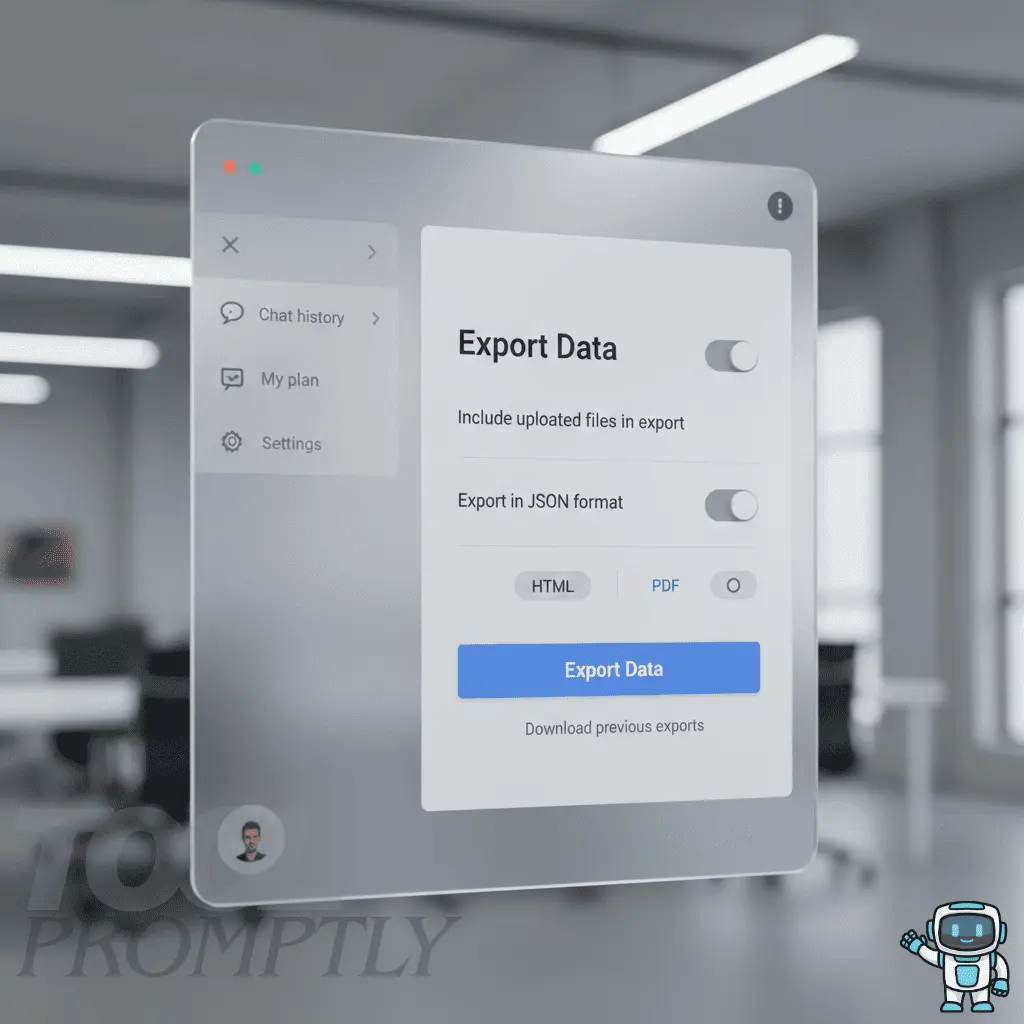
This built‑in export is one of the easiest ways to create a full ChatGPT chat backup in JSON or HTML for long‑term storage.
Claude, Google Gemini, and Microsoft Copilot
Many other AI chat tools tie history into account‑wide activity and privacy settings rather than a standalone export button.
- Claude: Conversations are stored in your account, and some deployments allow exporting data via settings or platform‑specific tools.
- Google Gemini: Activity is often integrated with your Google account’s Web & App Activity, where you can inspect or clear interactions depending on your settings.
- Microsoft Copilot: Chat history may be accessible or manageable through your Microsoft privacy dashboard and export tools for account data.
In all cases, combining in‑tool history with periodic exports or notes gives you a more resilient archive than relying only on the UI.
Third‑Party Export Tools and Browser Extensions
If you use AI chats heavily, dedicated export tools can save hours of manual copying.
- GPT Restore‑style tools focus on exporting ChatGPT chats into PDF or other formats with preserved layout and timestamps.
- Chat2Note is a privacy‑first extension that exports chats from multiple AI platforms (ChatGPT, Claude, Gemini, and others) into Markdown, Notion, Obsidian, or local files.
- Tools like ChatGPT Exporter let you download individual or multiple ChatGPT conversations as PDF, Markdown, JSON, CSV, or images.
Always review permissions before installing an extension, especially if your chats include private or client data.
The Best Ways to Save AI Chatbot Conversations archives (From Simple to Advanced)
There is no single “perfect” method; the right approach depends on how often you use AI and how technical you are.
Method 1: Manual Copy‑Paste Into Notes Apps
Manual copy‑paste is universal and works with any chatbot on any device.
- Good destinations: Notion, Obsidian, Google Docs, Apple Notes, OneNote.
- For long‑term readability and portability, saving as Markdown gives you clean formatting that fits well with Notion and Obsidian workflows.
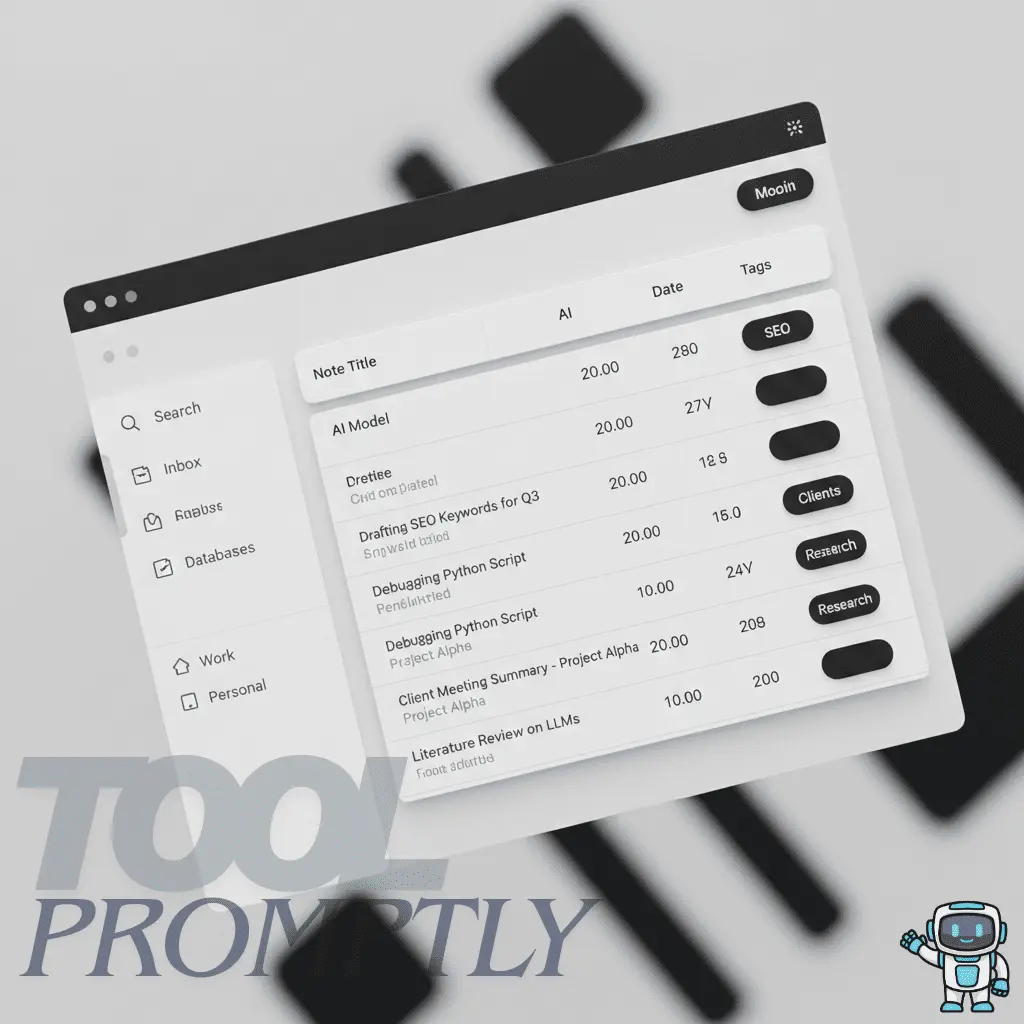
This approach is ideal when you only need to save “gold” conversations—your best prompts, explanations, or final outputs.
Method 2: Use Built‑In Export and Data Download
For full backups, exporting directly from the platform is more complete than copy‑pasting.
- ChatGPT’s Export Data gives you all chats in JSON/HTML, which you can then archive or convert to other formats.
- Some tools provide their own export or data‑download mechanisms through account settings or privacy dashboards.
This method is especially useful if you want a periodic snapshot of everything you’ve done with a specific chatbot.
Method 3: Save as PDF for Sharing and Offline Use
Saving chats as PDF is convenient when formatting matters and you need to share with clients or teams.
- You can either use “Print to PDF” from the browser or rely on extensions that generate cleaner PDFs from ChatGPT.
- PDF is not ideal for bulk search and automation, but it is excellent for stable, human‑readable archives and documentation.
Method 4: Use Browser Extensions for Speed and Structure
Extensions specialize in exporting conversations in one or two clicks, often with clean layouts.
- Chat2Note lets you export chats to Markdown, JSON, or directly into Notion and Obsidian, with options to target specific conversations or messages.
- Dedicated “ChatGPT to Obsidian” and similar tools sync your chats into a local vault with frontmatter and linking support.
- Exporters like ChatGPT Exporter give you multiple formats and the ability to select only part of a conversation.
This option is ideal for heavy users who want consistent formatting across hundreds of chats.
Method 5: Automated Workflows (Zapier, Make, n8n)
If you want a set‑and‑forget system, automations can route your AI chats into your archive without manual work.
- Workflows can pull data from exports or APIs, transform it to Markdown or structured records, and push it into Notion, Obsidian, Google Drive, or a database.
- Community workflows show how to connect AI chat tools with PKM apps and storage via n8n or similar automation platforms.
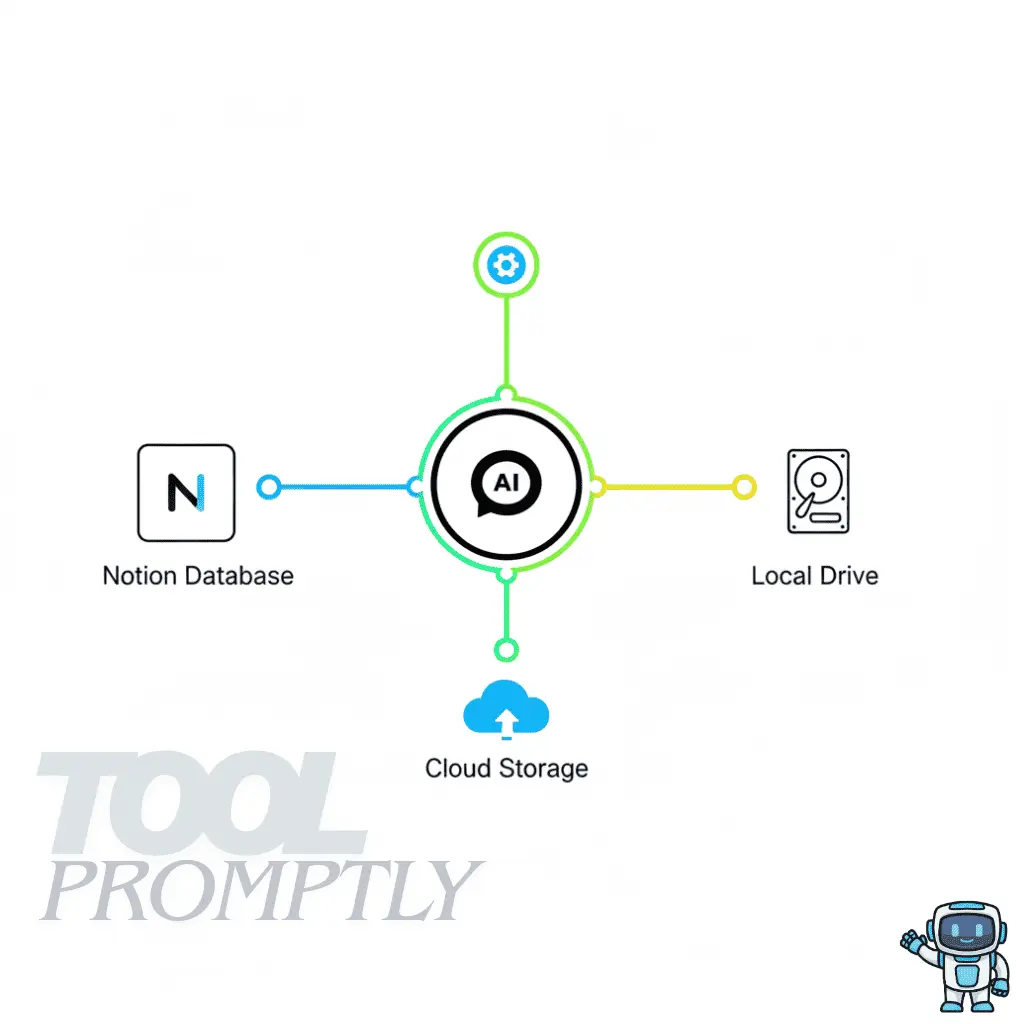
This is more technical, but once set up, it can maintain a live, searchable archive across tools.
How to Organize Your AI Chat Archive Like a Pro
Saving everything is easy; finding the right thing later is the real challenge.
Step 1: Design Simple Categories
Start with broad categories that match how you actually work.
- Prompt Templates
- Blog Writing and SEO
- Code & Debugging
- Research & Learning
- Business Strategy & Offers
- Client Work & Deliverables
These can be folders, tags, or database fields depending on whether you use plain folders, Notion, or Obsidian.
Step 2: Use Naming Conventions That Scale
Rename chats so they make sense six months from now, not just today.
Examples that work well:
[2025-12-01] SEO Brief – B2B SaaS Landing Page[Bugfix] Python Pandas Merge Issue – Client AYouTube Script Framework – Faceless TutorialsClient Proposal Email – Friendly but Professional
A consistent pattern—date + topic + context—turns your archive into a searchable index instead of a random list.
Step 3: Create a “Gold Chats” Folder and Prompt Library
Not every conversation deserves long‑term storage; only a small percentage are truly reusable.
- Mark or copy “gold” conversations that contain your best prompts, frameworks, or final polished outputs into a dedicated area.
- From those gold chats, extract prompts into a separate Prompt Library file or database with fields like “Use case”, “Tone”, and “Tool”.
This separation keeps the archive useful: everyday chats are still there, but your best work sits one click away.
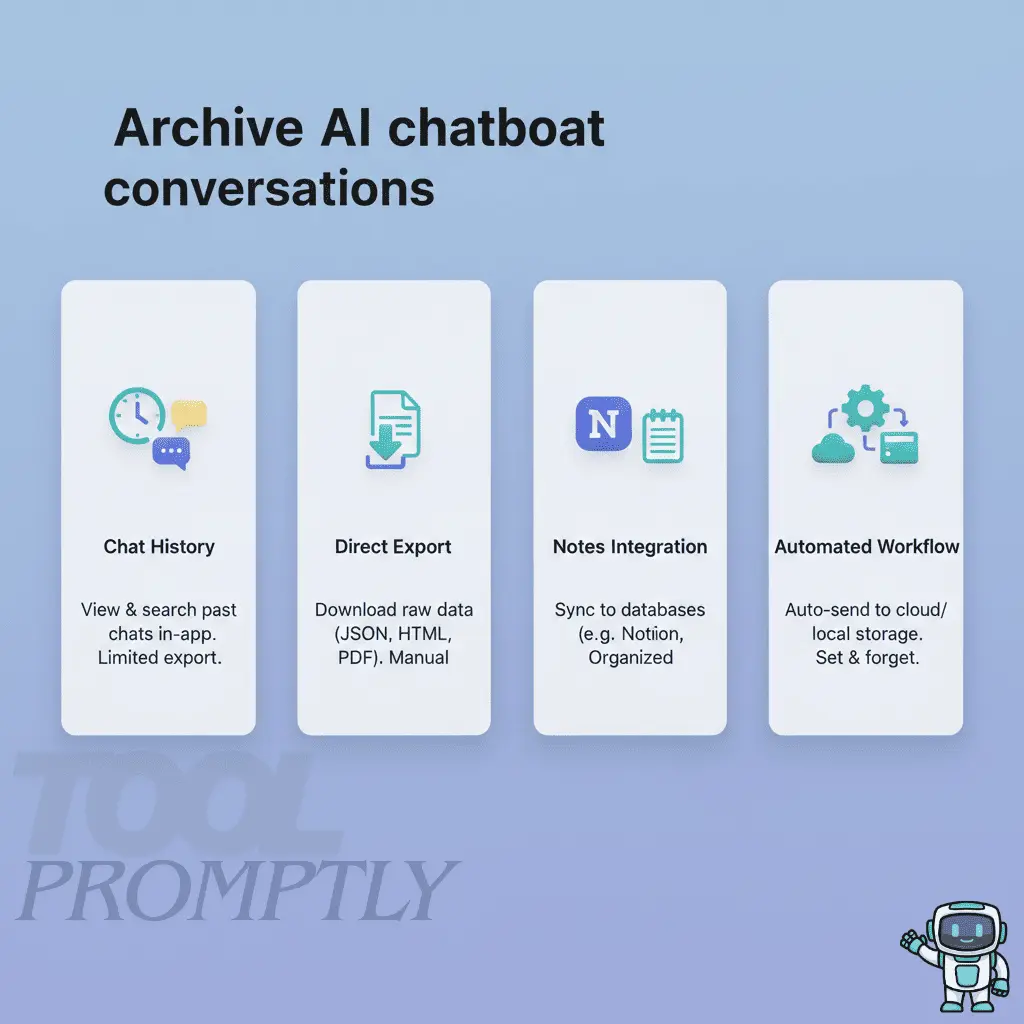
AI Chatbot Conversations Archive Methods and Use Cases
This mix lets you start simple and layer on more advanced methods as your archive grows.
Common Mistakes That Break Your Chat Archive (And How to Avoid Them)
Even a good system can fail if you fall into a few predictable traps.
Mistake 1: Relying Only on In‑App History
If your entire archive lives in a single chatbot’s sidebar, you’re one policy change or account issue away from losing everything.
Fix it by scheduling regular exports and storing them in at least one cloud and one local location.
Mistake 2: Saving Everything by Default
If you keep every chat, you drown your best material in noise.
Fix it by curating actively: only mark “gold” chats for long‑term storage and extract prompts into a dedicated library.
Mistake 3: Leaving Chats With Vague Titles
Titles like “New chat” or “Untitled” make your archive effectively useless.
Fix it by renaming important conversations immediately with the pattern: context + outcome (for example, “SEO Brief Template – SaaS Blog”).
Mistake 4: Storing Sensitive Data Without Protection
AI chats often contain personal data, client details, or internal documents that need protection.
Fix it by encrypting sensitive backups, using password‑protected storage, and deleting any chats that should not be retained.
Mistake 5: Not Building a Prompt Library
Your best prompts are often more valuable than the outputs they generated.
Fix it by creating a simple database or document where you paste reusable prompts with notes on when and how to use them.
Privacy, Security, and Compliance for AI Chat Backups
Because your archive can contain sensitive data, you must treat it with the same care as any other critical business system.
- Store exports in secure locations with strong passwords and, ideally, encryption at rest.
- Avoid feeding full JSON exports containing private data into random online converters; use trustworthy tools or local software.
- Review and adjust your chatbot’s data retention and training settings if you do not want your conversations used to improve models.
- If you work under regulations like GDPR or handle client data, define a retention policy (how long you keep chats) and document how you anonymize or delete them.

For professional use, security should be built into your archive workflow, not bolted on later.
Real‑World Use Cases for an AI Chat Archive
When your archive is set up well, it directly improves results—not just “record‑keeping”.

Content Creators and SEO Writers
You can turn previous prompts, outlines, and drafts into a reusable content engine.
- Reuse your best “content brief” and “SEO outline” prompts across multiple clients and niches.
- Keep a gallery of winning hooks, intros, and CTAs you tested with AI, then plug them into new pieces.
Developers and Technical Teams
An archive becomes a log of solved bugs and code patterns.
- Save conversations where the AI helped you debug tricky issues or explain APIs, then search those before asking again.
- Link specific chats to GitHub issues or documentation pages so your team can see the reasoning behind a fix.
Freelancers and Agencies
Your archive helps you deliver consistent quality across multiple clients and projects.
- Keep separate folders or databases per client with prompts, drafts, and approved messaging frameworks.
- Use archived chats as training material when you onboard new team members or collaborators.
Internal Teams and Documentation
Teams can use AI chat history as a source of internal FAQs and SOPs.
- Turn stable workflows discovered with AI into documented, step‑by‑step processes.
- Use anonymized chats for internal training, showing how to ask better prompts and review AI outputs critically.
FAQ: AI Chatbot Conversations Archive
1) What is an AI chatbot conversations archive?
An AI chatbot conversations archive is the combination of tools and processes you use to store, search, and back up your past AI chats for later reuse.
2) How do you access saved chats in AI chatbots?
Most AI tools keep a chat history area or sidebar, and some offer archive filters or account activity pages you can browse or search.
3) Can you recover deleted chats from an archive?
In most consumer tools, hard‑deleted chats are not recoverable, which is why archiving and exporting are safer than deleting important conversations.
4) What’s the best way to export AI chats?
The most robust method is to use built‑in data export (JSON/HTML) and then convert or import that into your preferred tools; extensions help when you need nicely formatted PDFs or Markdown.
5) How should you organize archived chatbot conversations?
Use clear titles, categories, and tags across folders or databases, and maintain a separate prompt library for your best reusable prompts.
6) Is it safe to store an AI chat history backup?
It is safe if you encrypt sensitive exports, secure your accounts, and avoid uploading raw exports with private data into untrusted online tools.
7) How often should you export your AI chatbot chat history?
For most users, a monthly export is a solid baseline; if your business depends heavily on AI chats, consider weekly or project‑based exports.
8) Can you sync ChatGPT, Claude, and Gemini conversations into one archive?
Yes, you can use multi‑platform export tools like Chat2Note or custom workflows to pull chats from different tools into a single Notion, Obsidian, or file‑based archive.
9) Do AI Chatbot Conversations archive help with compliance?
They can, as long as you define retention rules, anonymize sensitive data, and ensure your storage and export processes respect regulations like GDPR.
10) What’s the easiest way for beginners to start?
Begin by renaming important chats, manually copying your best ones into a notes app, and scheduling a monthly full export from your main chatbot.
Conclusion: Treat Your Chat History Like an Asset
A well‑designed AI chatbot conversations archive protects your best work, turns prompts into reusable systems, and gives you a searchable memory of everything you’ve built with AI.
If you’re serious about productivity, start now: archive reusable chats, organize them into clear categories, export them regularly, and store them securely with a simple review routine.
If you want more practical AI workflows like this, subscribe to ToolPromptly.com for weekly strategies, tool breakdowns, and real‑world prompt systems you can plug into your own archive.











1 thought on “AI Chatbot Conversations archive: How to Save, Access & Export Chats Without Losing Your Best Work”