

Introduction: Decoding the Frustration of ChatGPT Errors
You’re deep in conversation with ChatGPT, asking questions, generating content, or building a prompt and suddenly, your screen flashes an ominous “ChatGPT Error Messages, error in message stream”. It’s frustrating, especially when you rely on AI tools for your productivity or creative work.
Whether you’re a tech professional, a developer using the API, or just someone curious about AI tools like ChatGPT, these error messages can disrupt your flow and leave you hunting for answers.


Full Guide
Table of Contents
Table of Contents
In this comprehensive guide, you’ll learn:
- What “error in message stream” means and why it occurs
- How to fix common ChatGPT error messages step by step
- Troubleshooting strategies for both beginners and advanced users
- Tips on error handling in message streaming environments
- Tools and best practices to keep your experience smooth
Like any artificial intelligence program, there are continuous updates to the tool, so don’t forget to keep up with these developments, all of which we provide on our blog.
What Is the “ChatGPT Error Messages, Error in Message Stream”?
The “error in message stream” is a generic system-level notification from ChatGPT or other large language models (LLMs), indicating a disruption during the exchange of messages between the user and the server.
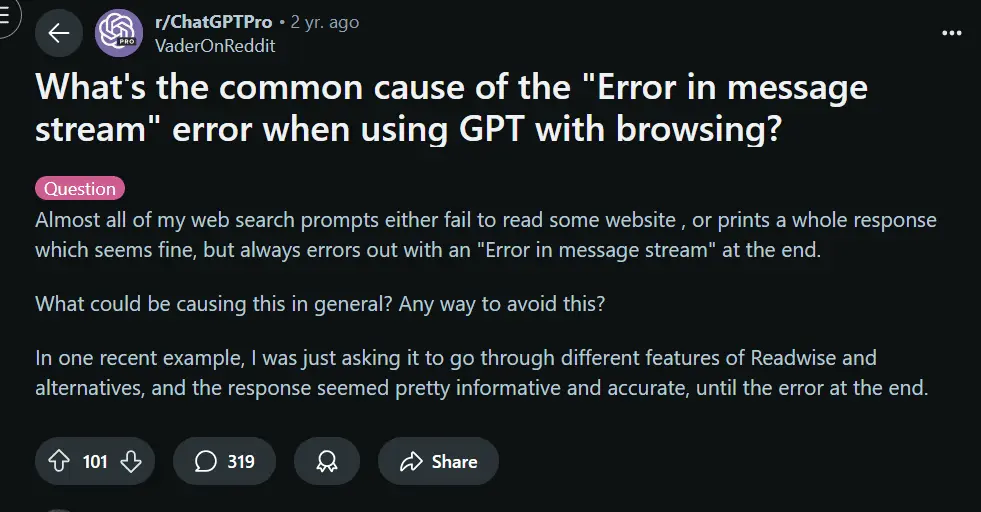
This error falls under the umbrella of message stream processing errors, which can include interruptions in real-time data, API mishandling, or backend latency.
Why These Errors Happen A Behind-the-Scenes Look

To fix the issue, you need to understand it. The causes typically fall into one of these categories:
1. Network and Server Connectivity Issues
- You may lose connection to OpenAI’s servers momentarily.
- This can result in dropped message packets, causing streaming communication errors.
2. API Misuse or Invalid Requests
If you’re working with ChatGPT through the API, even minor errors in request formatting can lead to an “error in message stream.”
Examples include:
- Exceeding token limits
- Missing authentication headers
- Incorrect function call syntax
3. Backend Overload or Rate Limiting
OpenAI occasionally throttles requests during periods of heavy usage, triggering:
- Temporary real-time data stream failures
- Unexpected timeouts
- Message delivery issues in streams
How to Fix the “ChatGPT Error Messages, Error in Message Stream” (Step-by-Step)

Let’s troubleshoot this together. Below are proven solutions you can apply right now:
1. Refresh and Retry
It sounds simple, but 60% of stream-related errors are temporary.
- Refresh the page or restart the session.
- Wait 10–15 seconds before trying again.
2. Clear Cache and Cookies
Browser data buildup can affect WebSocket communication, which powers streaming.
Steps:
- Open your browser settings
- Clear cache and cookies
- Restart the browser and try ChatGPT again
Switch Browsers or Use Incognito Mode
Some browser extensions block scripts ChatGPT depends on.
- Try Chrome, Firefox, or Safari
- Use incognito mode to avoid extension conflicts
4. Check OpenAI Server Status
Use OpenAI’s official status page to see if there’s downtime or ongoing issues.
5. Check API Parameters (for Developers)
If you’re using ChatGPT via API, inspect the request format carefully:
jsonCopierModifier{
  "model": "gpt-4",
  "messages": [{"role": "user", "content": "Hello"}],
  "stream": true
}
Pro Tip: Make sure stream: true is valid in the current context. Misuse leads to immediate failure in message delivery.
Tools and Scripts to Monitor Message Stream Errors
Whether you’re a casual user or a developer, the right tools can save you time.

| Tool/Script | Purpose | Best For |
|---|---|---|
| Postman | API testing and debugging | Developers |
| Wireshark | Network packet inspection | Advanced users |
| DevTools (F12) | Console/network tab for errors | Browser-based troubleshooting |
| OpenAI Playground | Quick prompt testing with error logs | Beginners and prompt engineers |
| Curl + Logs | Lightweight API call diagnostics | Command-line users |
How to Prevent Message Streaming Errors in the Future

It’s not just about fixing errors it’s about avoiding them.
1. Implement Proper Error Handling
When coding with the API, use structured error handling logic:
pythonCopierModifiertry:
    response = openai.ChatCompletion.create(...)
except openai.error.OpenAIError as e:
    print("Streaming error:", e)
2. Respect Token and Rate Limits
Overusing the API can trigger throttling. OpenAI’s limit depends on:
- Model type (e.g., GPT-3.5 vs GPT-4)
- Subscription plan
- Request frequency
Keep your message chunks small and focused.
3. Stay Updated With Platform Changes
Subscribe to OpenAI’s blog or developer newsletter. API versions and model behaviors change frequently and silently.
Common ChatGPT Error Messages (Explained)
Besides the “error in message stream,” you might encounter others. Here’s a rundown:
| Error Message | Cause | Fix |
|---|---|---|
| Too Many Requests | Rate limit exceeded | Wait a few seconds and try again |
| Context Length Exceeded | Prompt too long | Shorten prompt or use summarization |
| Invalid API Key | Incorrect or missing key | Double-check your API credentials |
| Bad Gateway (502/504) | Server overload or timeout | Wait or try off-peak hours |
| Function Call Error | Incorrect JSON or parameters | Revalidate function structure |
| RateLimitError | Too many requests per minute | Apply exponential backoff |
Real-World Scenarios Where This Error Occurs

Scenario 1 A Developer Streaming Responses via API
You’re building a chatbot and using "stream": true. Everything works fine—until you hit OpenAI’s token limit. Suddenly, the app freezes with an “error in message stream.”
Fix: Adjust the chunk size and implement response truncation logic.
Scenario 2 A Blogger Using ChatGPT in the Browser
You’re generating a long-form blog post, and midway through the response, ChatGPT crashes.
Fix: Refresh the page, clear your browser cache, and retry. If the problem persists, try using the Playground.
FAQs: Troubleshooting “Error in Message Stream” and Related Issues
What does “error in message stream” mean in ChatGPT?
It means there was a disruption in the real-time data flow between your request and OpenAI’s servers.
Is this error permanent?
No. It’s usually temporary and caused by minor connection glitches or overloads.
Can I fix this by restarting ChatGPT?
Yes, a simple page refresh or session restart resolves it in many cases.
Does this affect only browser users?
No. API users are more prone to this due to misconfigured requests and rate limits.
What’s the best tool to debug message streaming?
Use Postman for API testing or browser DevTools to inspect errors during browser-based usage.
Is there a way to log these errors automatically?
Yes. Implement structured logging and exception tracking in your codebase using tools like Sentry or Datadog.
Can switching models help?
Sometimes. Switching from GPT-4 to GPT-3.5 (or vice versa) might bypass temporary model-specific backend errors.
Conclusion: You’re in Control of the Fix
When ChatGPT throws an “error in message stream” at you, it doesn’t mean your session is doomed. Now that you understand the causes from message delivery issues to streaming communication failures you’re better equipped to resolve them quickly.
From basic browser refreshes to advanced API request diagnostics, you’ve got the tools and the knowledge to prevent downtime and optimize your interaction with ChatGPT.


More Ideas…











1 thought on “Common ChatGPT Error Messages and How to Fix Them (Full Guide)”